

Specialized Trading Backtesting Software
for Forex, Futures and Stocks
Your backtesting tool works.
Ours works smarter.
We checked.
The features you've been missing.
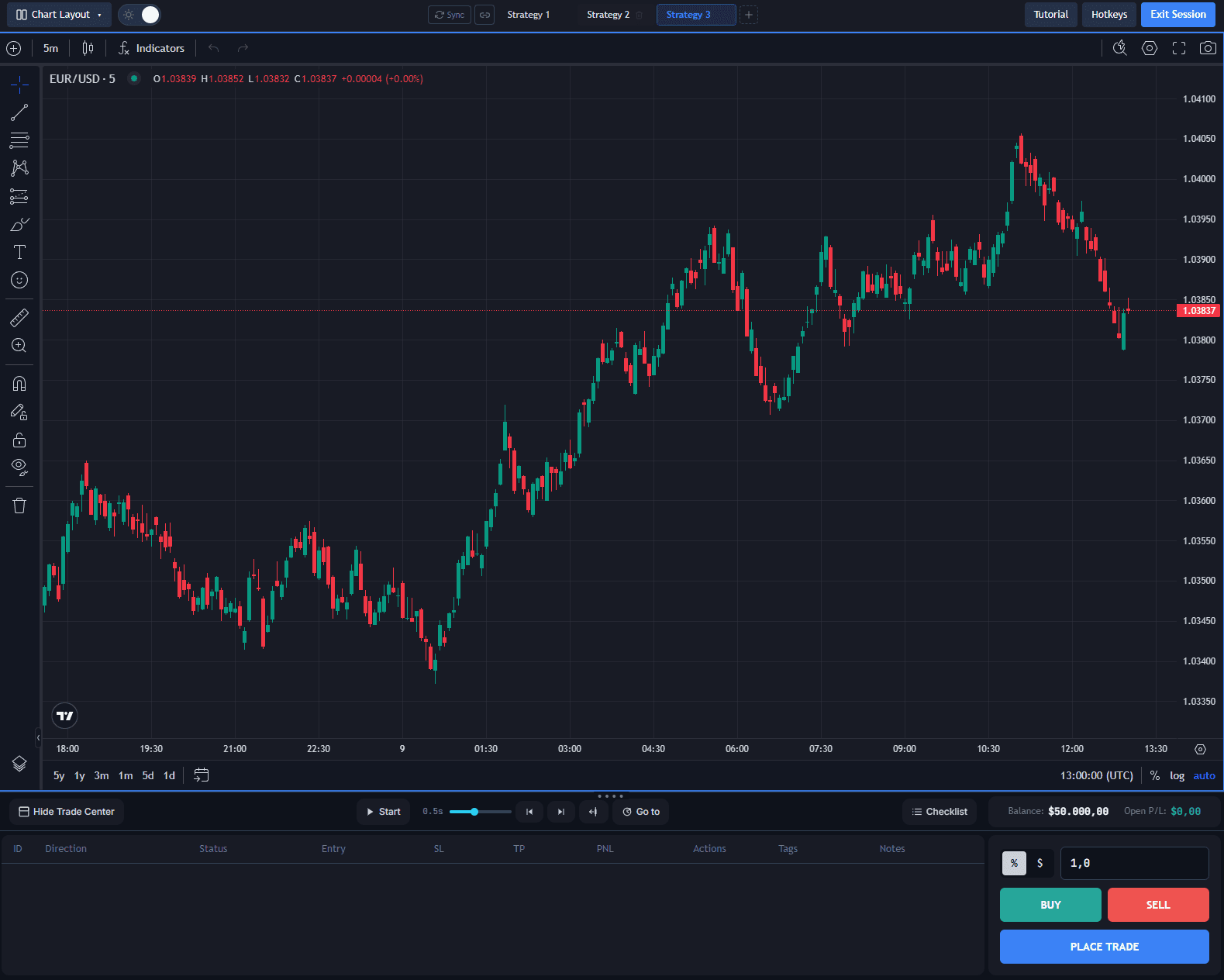
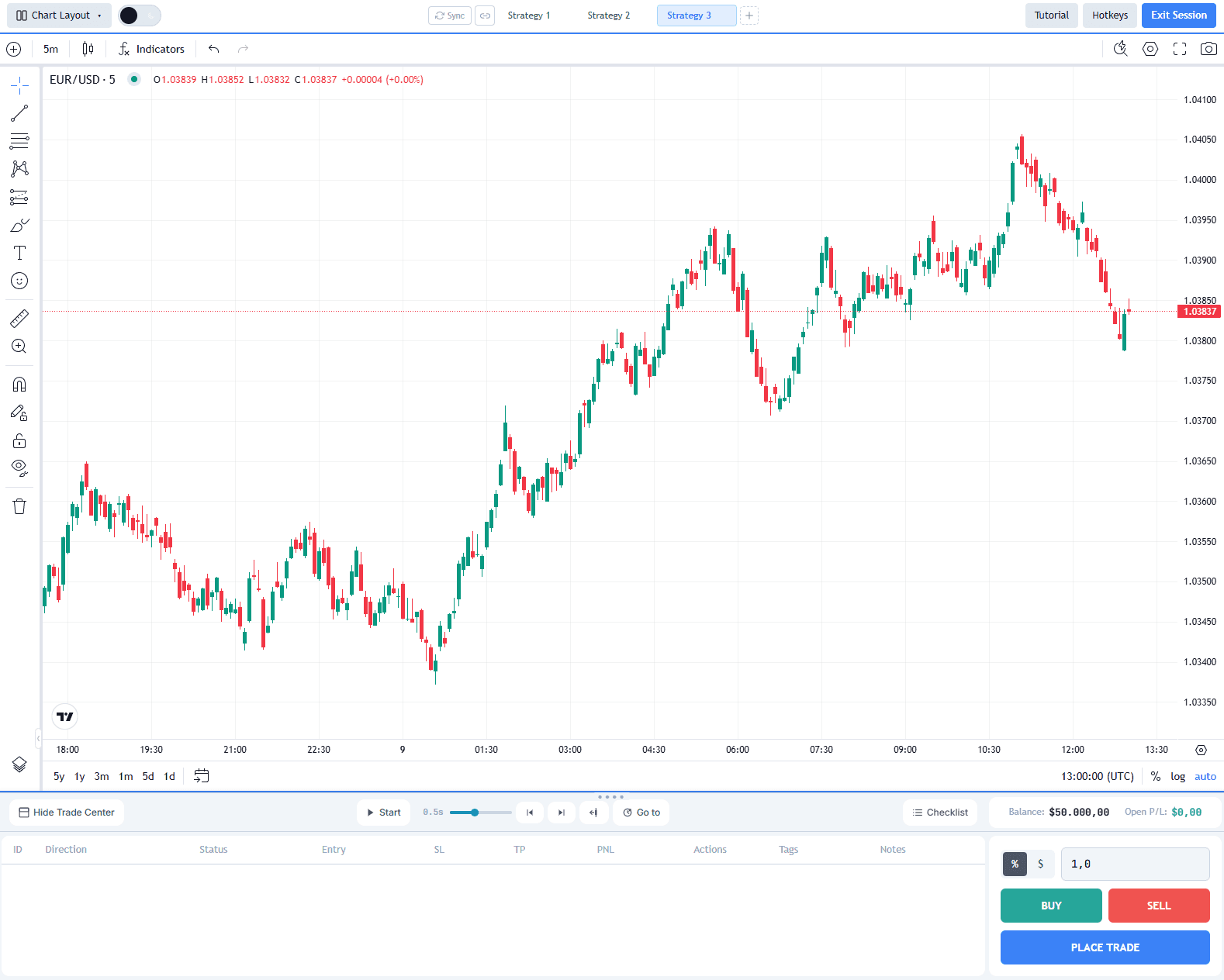
Backtest faster
We obsessed over every click and drag so you don't have to. The result is backtesting that feels incomparably smoother and faster than anything else out there.
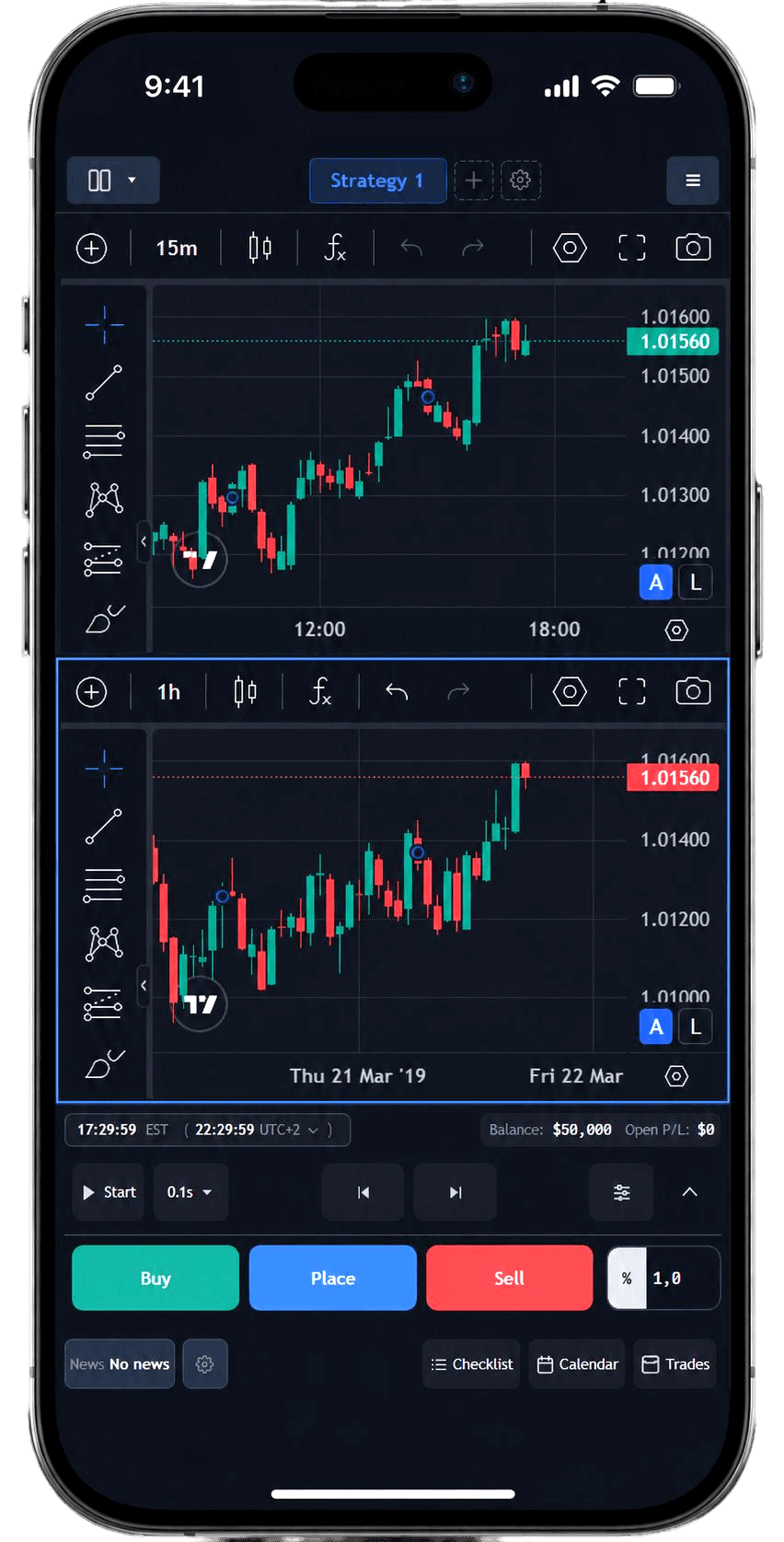
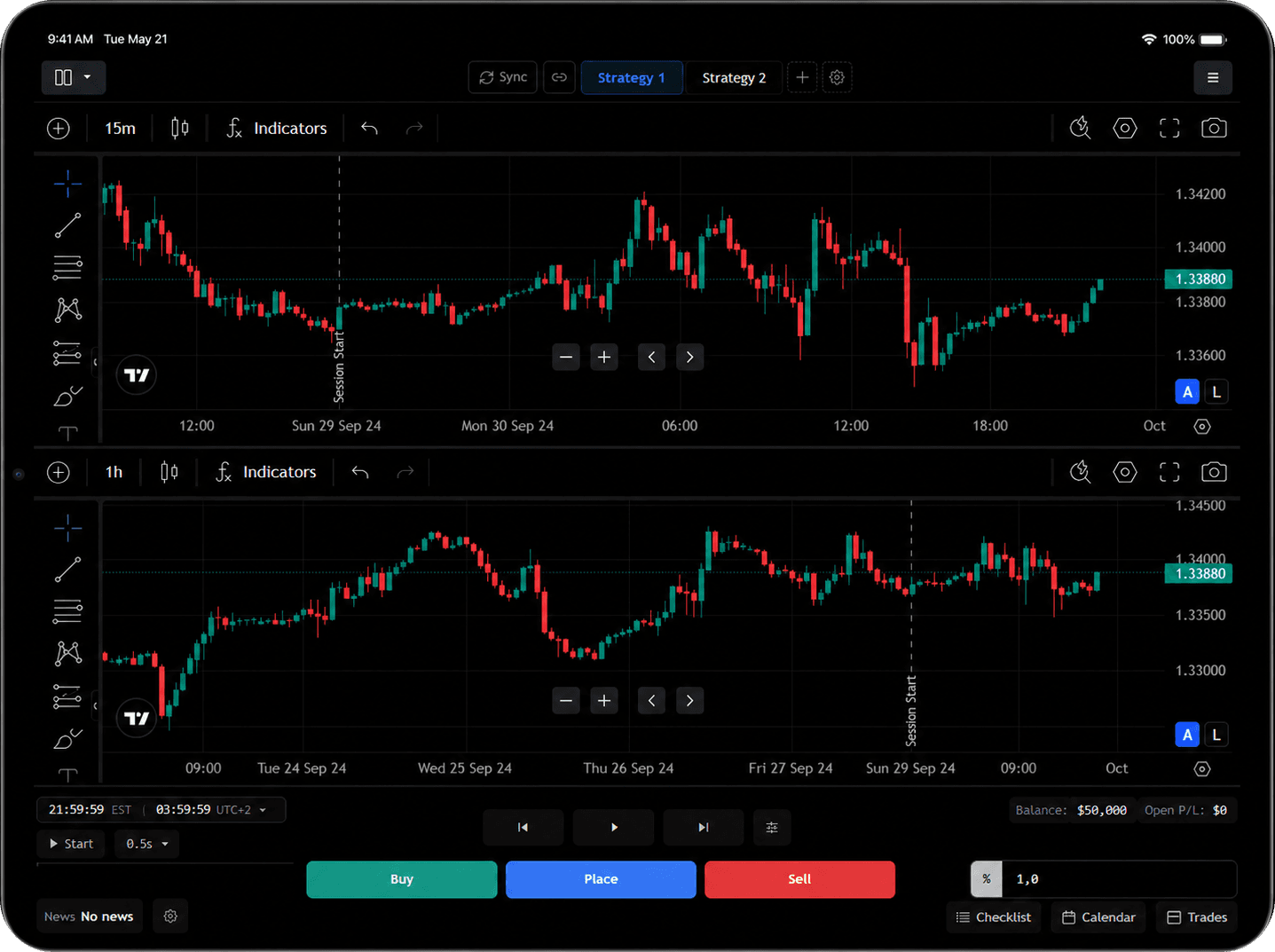
Backtest on the go
Get a full-fledged backtesting experience on mobile and tablet, with a touch-friendly session interface tailored to smaller screens.
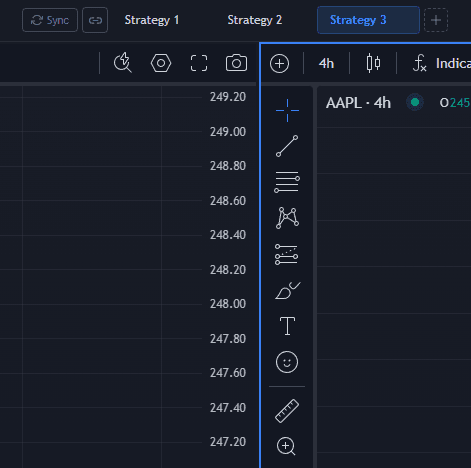
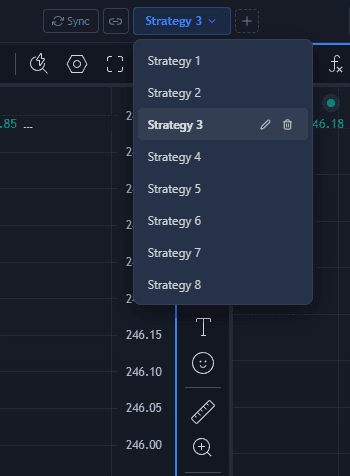
Test multiple strategies at once
Test different entry/exit variations within one backtesting session. Make one analysis - execute it as up to 10 entry or exit variations. You can even run independent strategies in parallel.
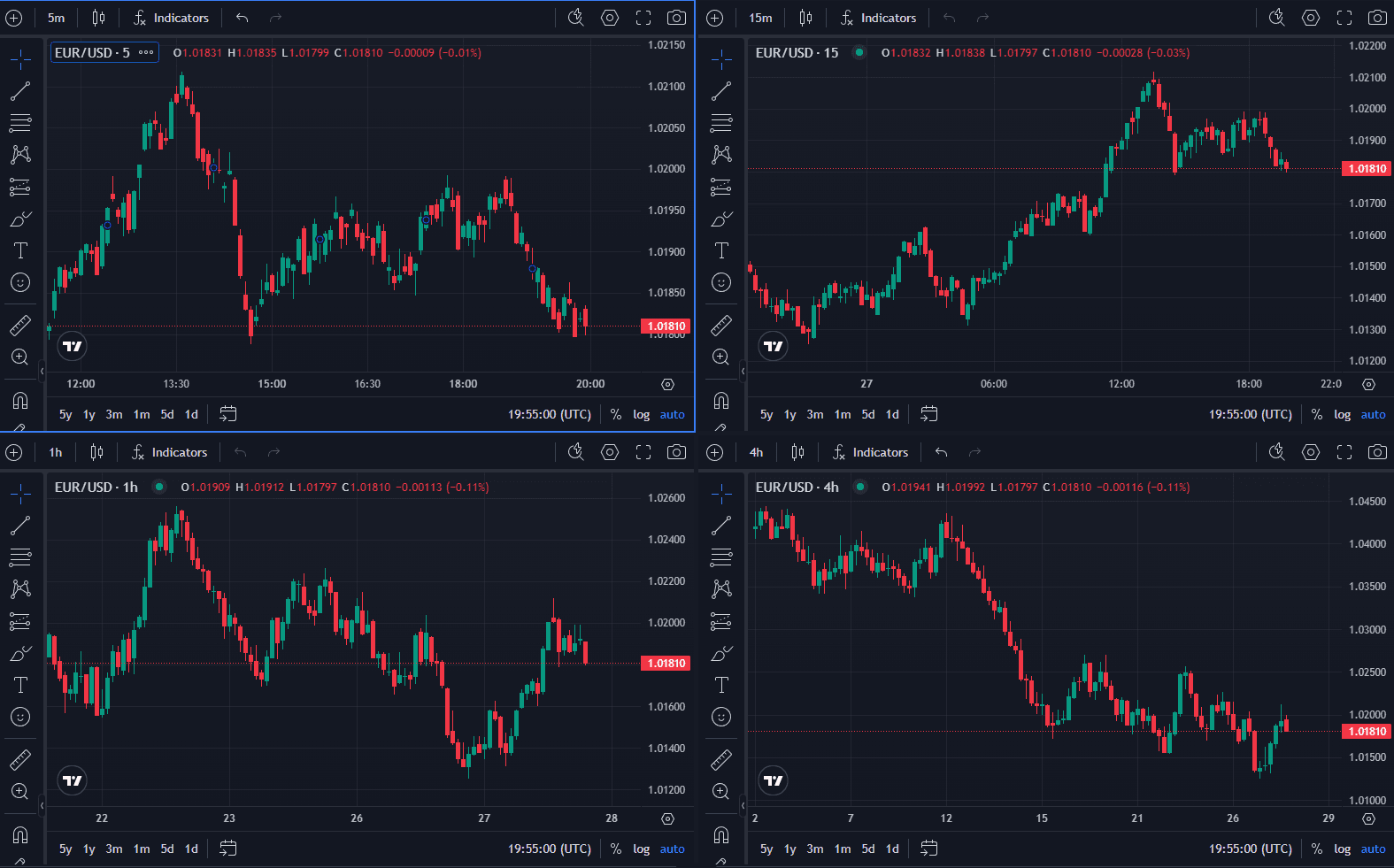
Synchronize up to 4 charts
Make your entry and exit analysis on up to 4 charts. The charts are synchronized and clicking on one of them adjusts the stepping speed to its timeframe.
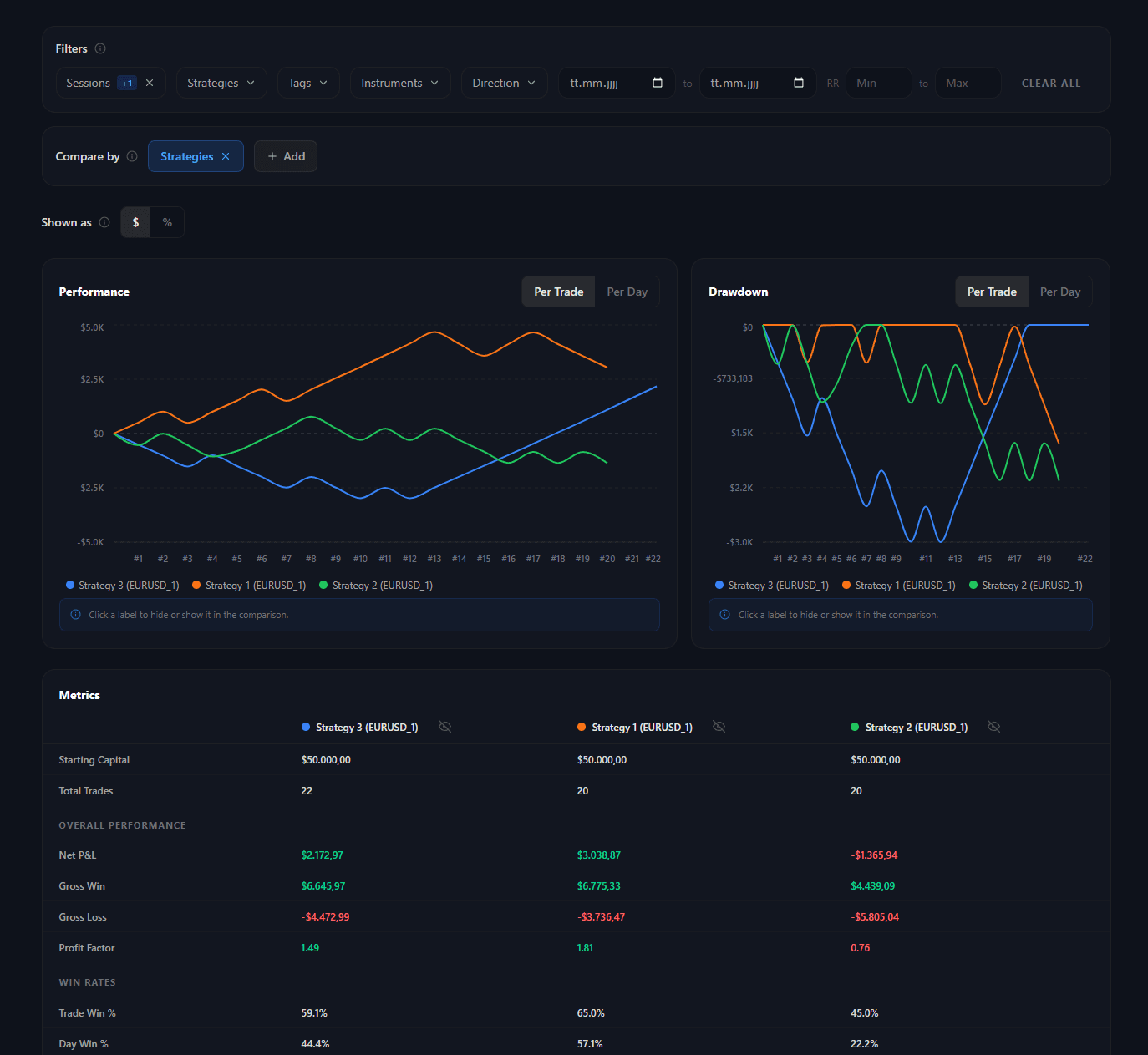
Analyze your performance side-by-side
Filter and compare your trades side-by-side by any dimension you choose - sessions, strategies, tags, and more. You can even compare across multiple dimensions at once.
Move through price action your way
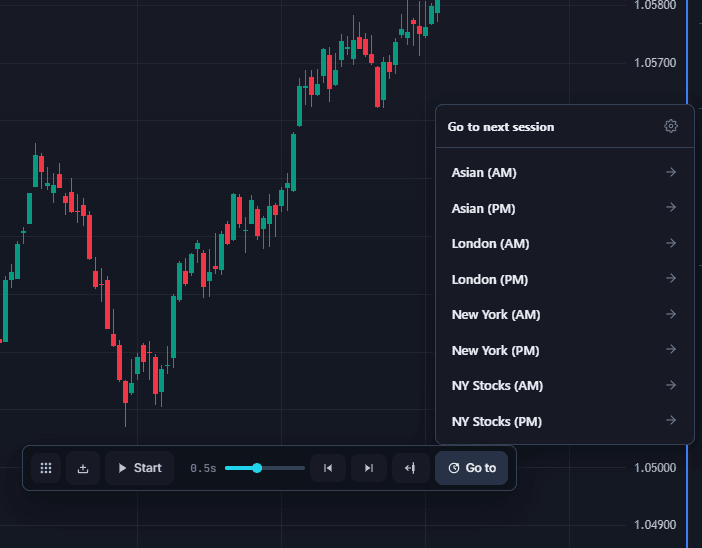
Use autoreplay, step forward or backward manually, rewind to any point in history, and jump straight to the next trading session. Every control button has a hotkey, and each hotkey can be changed.
Tag your trades
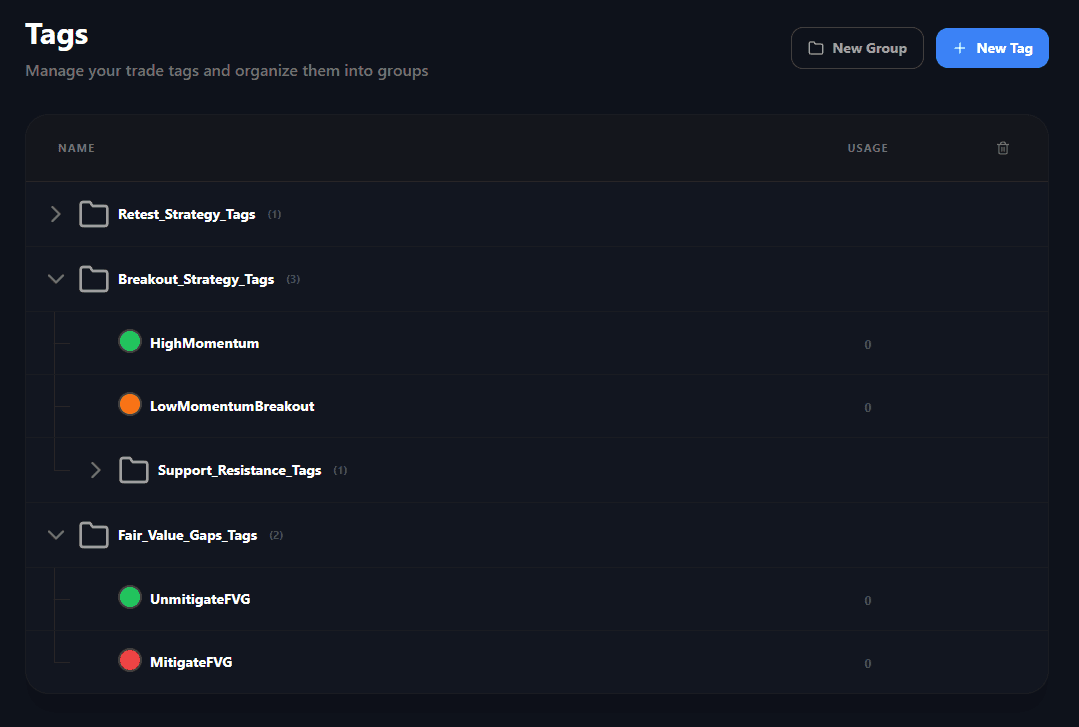
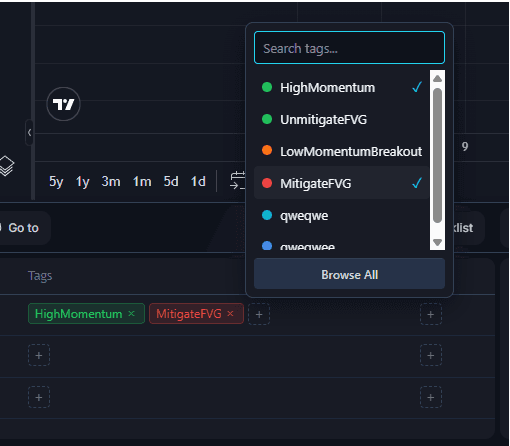
Create tags on the fly or globally, group and order them. Structure and organize your tags however you like.
Use checklists to follow your plan
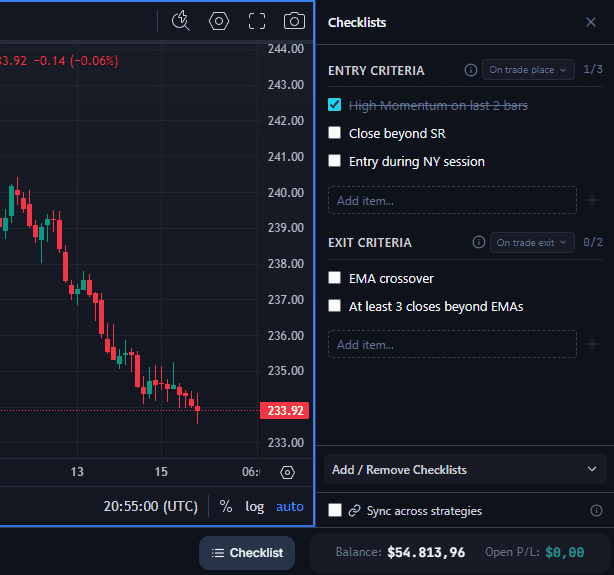
Forgetting or having a hard time following your plan? Create checklists and configure them to reset automatically.
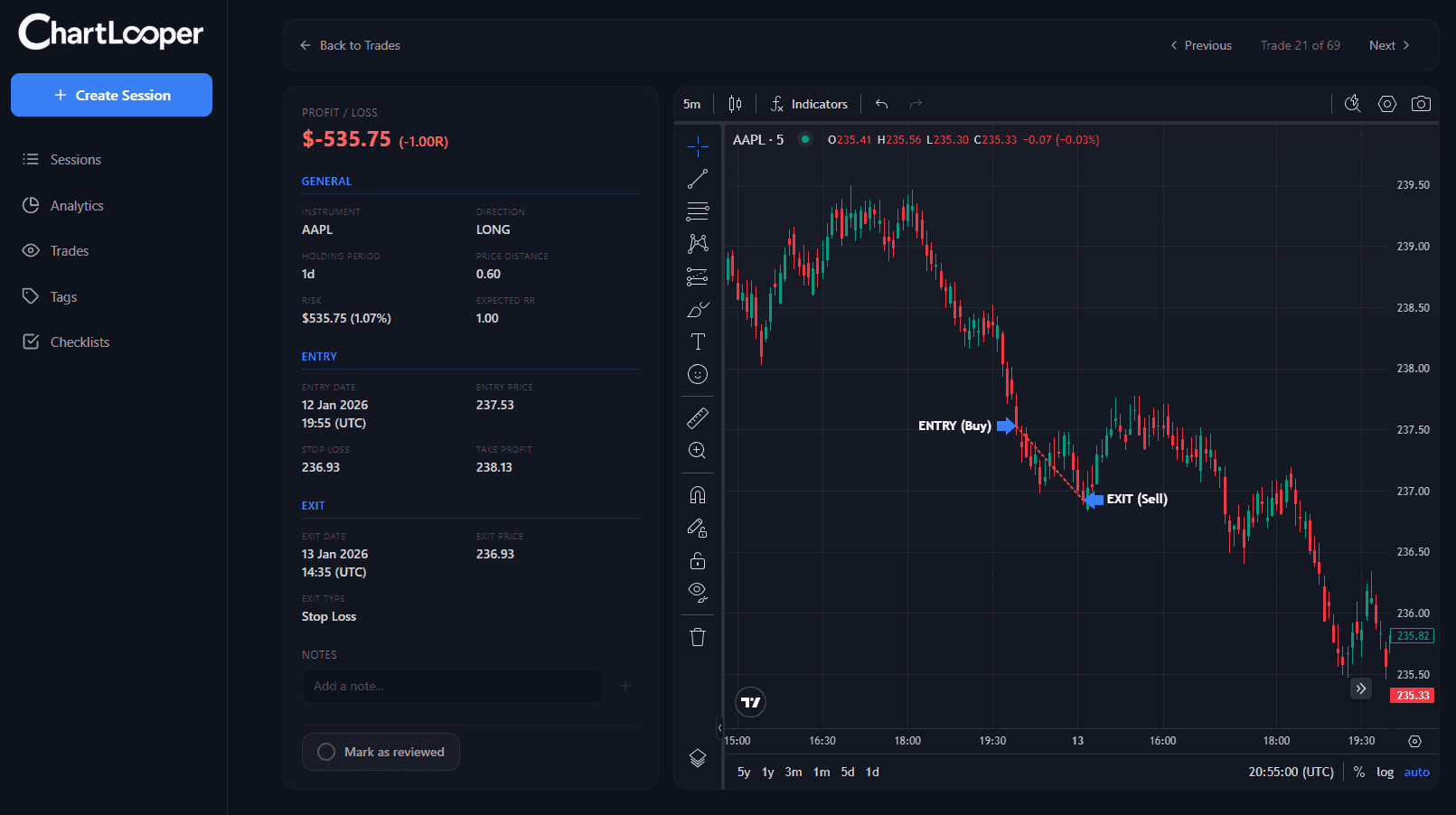
Review your trades
Go through your trades one by one with all the tools you need. A chart shows exactly where you entered and where you exited.
Trade any market, any order type
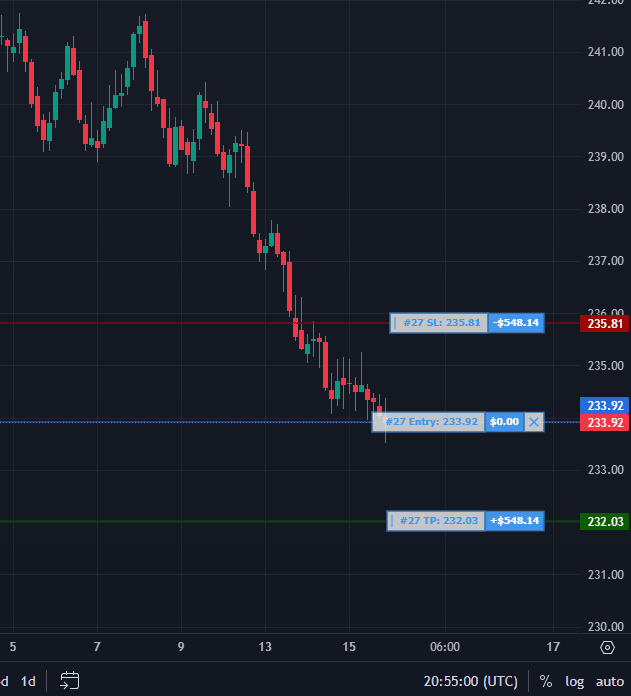
Backtest Forex, Futures and Stocks with market, limit, or stop orders - just like you would with your broker. Enter trades directly, or use the Risk/Reward tool to set your stop and automatically size the position to a selected percentage of your account or a fixed dollar risk.
Got Questions?
Still have questions?
Our support team is here to help you get started.
Flexible & Transparent Pricing
Free
Get started with the basics.
$19.95/mo
Taxes may apply
Everything you need to trade better.
$29.95/mo
Taxes may apply
For serious traders who want it all.
Compare Plans
Full Feature Breakdown
Full transparency - Compare our plans side by side.
| Feature | Free | Essential | Pro |
|---|---|---|---|
Sessions and strategies | |||
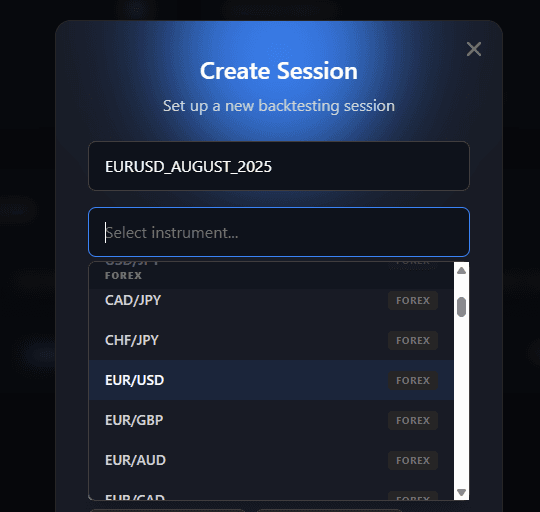
SessionsHow many backtesting sessions you can keep available under the plan. | Up to 3 | Unlimited | Unlimited |
Strategies per sessionTest different entry/exit variations within one backtesting session. Make one analysis, then execute multiple entry or exit variations. You can even run independent strategies in parallel. | Up to 2 | Up to 4 | Unlimited |
History per sessionThe maximum historical date range a single backtesting session can cover. | 6 months | Unlimited | Unlimited |
Trades per sessionThe maximum number of trades you can record in a single session. | 20 | Unlimited | Unlimited |
Session retentionHow long saved sessions remain available before they are automatically removed. | 3 months | Forever | Forever |
Backtesting | |||
Charts by  Powered by the iconic TradingView charting library — all your indicators, drawings, and chart mechanics work exactly the same as on TradingView. Powered by the iconic TradingView charting library — all your indicators, drawings, and chart mechanics work exactly the same as on TradingView. | Included | Included | Included |
Risk-based & direct trade modesTrade the way you prefer: risk-based mode sizes each position from the risk you set — a percent of balance, a dollar amount, or a fixed quantity — and places it with the risk/reward tool, while direct mode opens one-click market Buy/Sell orders by quantity, just like a real broker. | Included | Included | Included |
Market, stop, and limit ordersPlace market, stop, and limit orders directly inside the backtest just like in a live workflow. | Included | Included | Included |
Chart-based SL/TP adaptionSet and adjust stop-loss and take-profit levels directly on the chart while price replays. | Included | Included | Included |
Tag definitionsCreate reusable tag labels, order them, group them into tag groups, and assign them to trades either on the fly or in hindsight. | Up to 3 | Up to 10 | Unlimited |
ChecklistsSaved checklist templates for structured pre-trade and post-trade execution review that automatically reset based on the chosen reset strategy. | Up to 2 | Up to 5 | Unlimited |
Trade notesWrite and keep notes directly on individual trades while reviewing or journaling them. | Included | Included | Included |
AnalyticsFilter and compare by any dimension like sessions, strategies, or tags. Results are visualized in a P/L and drawdown graph alongside many other statistics. | full access | full access | full access |
Trade reviewInspect individual trades on their own historical chart with full trade context and annotations. | full access | full access | full access |
Priority supportFaster support handling for plan-related and product questions. | Not included | Not included | Included |
Controls | |||
MultichartsHow many charts you can keep visible at the same time while replaying. | 1 chart | 2 charts | up to 4 charts |
Dark/white layoutSwitch between dark and white chart layouts to match your preferred viewing setup. | Included | Included | Included |
Custom hotkeysCustomize hotkeys to fit your workflow and move faster through replay and trade actions. | Included | Included | Included |
Auto replayRun the replay automatically at your chosen speed while the market unfolds. | Included | Included | Included |
Manual stepping forward/backwardStep through the replay manually in either direction when you want full control over each move. | Unlimited forward, 20 steps back | Unlimited | Unlimited |
Chart-based steppingForward/backward stepping adapts to the timeframe of the selected chart, and the other open charts synchronize to that move automatically. | Included | Included | Included |
RewindJump back and restart a replay sequence without leaving the active session. | 2 per session | Unlimited | Unlimited |
GoTo session jumpsJump directly to a chosen date and time inside the active replay session. | Not included | Not included | Included |
Revolutionizing backtesting

We Innovate
We don’t just build another backtesting tool — we revolutionize how traders test ideas and strategies at unprecedented speed.

We Customize
We understand that every trader has a unique approach and distinct needs. Our technology ensures the highest level of customization.

We Optimize
We focus on what really matters. No cluttered charts, no useless numbers — just the insights that help you improve your trading.